
1
See everyone on a map
Every camera's tracks on one live floor plan.
Your control room stops switching between screens and watches one picture of the whole site.
AI command and control
Track2Map turns the cameras a site already has into real-time spatial intelligence. It holds a marked person across every camera on one live floor plan, and closes the distance to whoever can reach them.


The problem
The moment somebody leaves the first camera, the control room is switching feeds by hand, and the recording ends up explaining what happened instead of changing it.
Four questions decide how an incident ends. Nobody answers them while it is still happening.
Do we have a suspect?
Where are they now?
Which way are they moving?
Who is closest to them?
Every camera is recording. Nobody is following the person.
Where this is going
A full AI command and control system for secured sites. It understands the crowd moving through the site, recognises a threat as it unfolds, raises the alert, tracks the people involved, and guides the response team to them. The same live coordinate can drive a guard app, control room dispatch, or a drone.
Running today
Track2Map transforms existing facility camera feeds into real-time spatial intelligence by continuously tracking individuals across multiple cameras and projecting their live locations onto a unified 2D floor plan.
Every camera's tracks on one live floor plan.
Your control room stops switching between screens and watches one picture of the whole site.
An operator clicks a person on any screen, or a guard marks them from a phone.
Whoever saw them first no longer has to keep watching. The system holds them through crowds, occlusion and blind spots.
Live position, direction of travel, and who is nearest to respond.
Your team is sent to where the person is now, not to where they were when somebody called it in.
Security across critical domains
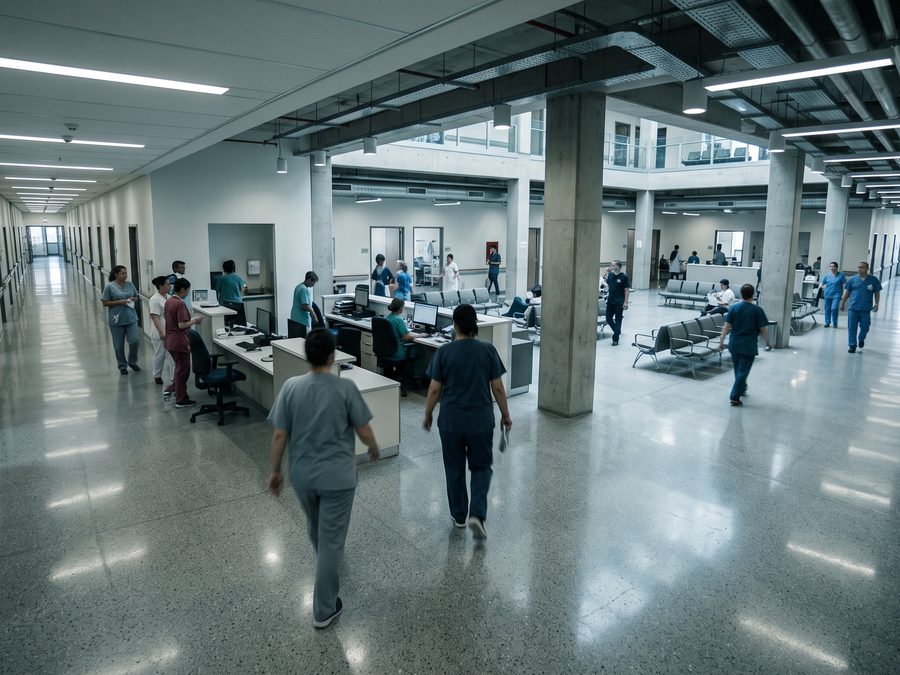
01
An open public building with enormous turnover and no screening at the door.
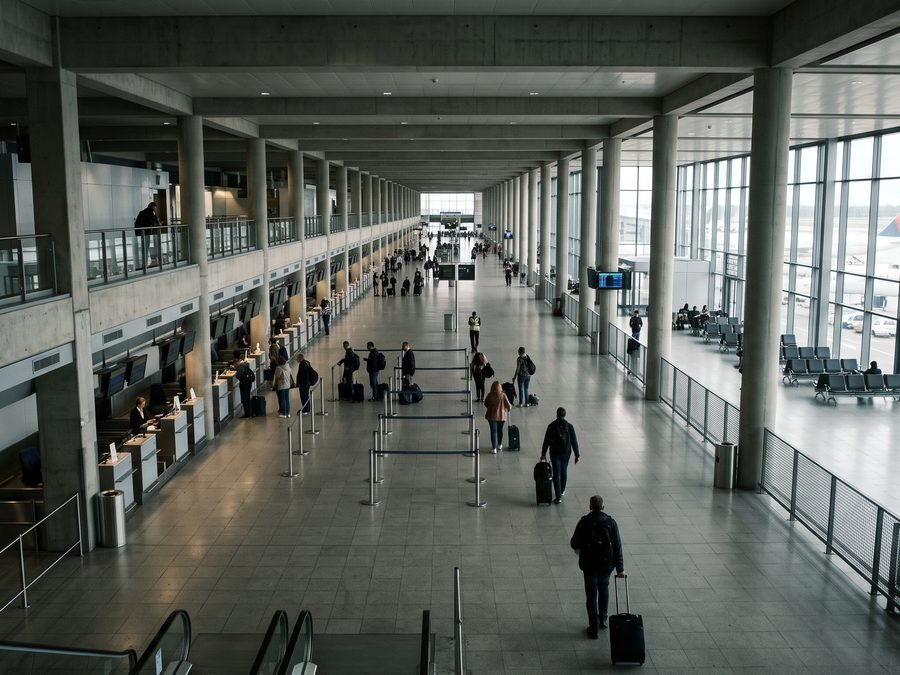
02
Where losing one person costs the whole building an afternoon.
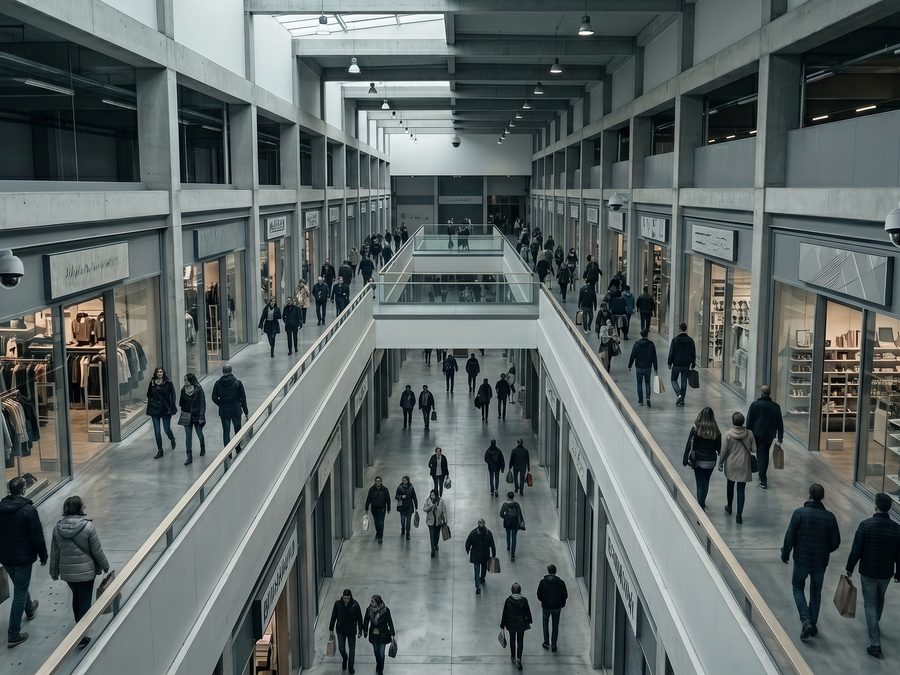
03
Hundreds of cameras, one control room, and a crowd to disappear into.
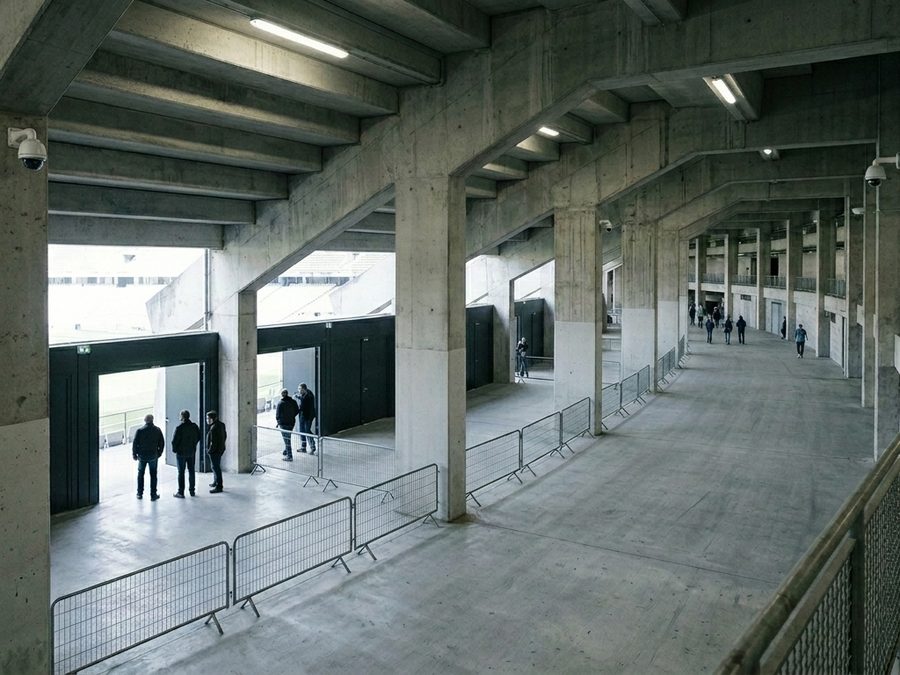
04
One guard sees it. Then the crowd closes.
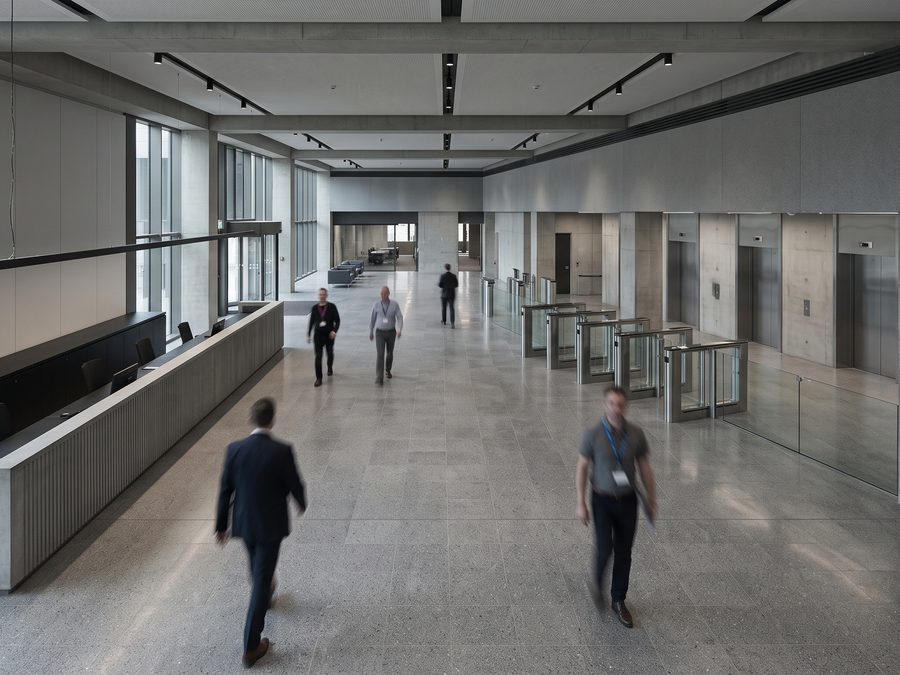
05
A badge at the door, and nothing watching the corridors behind it.
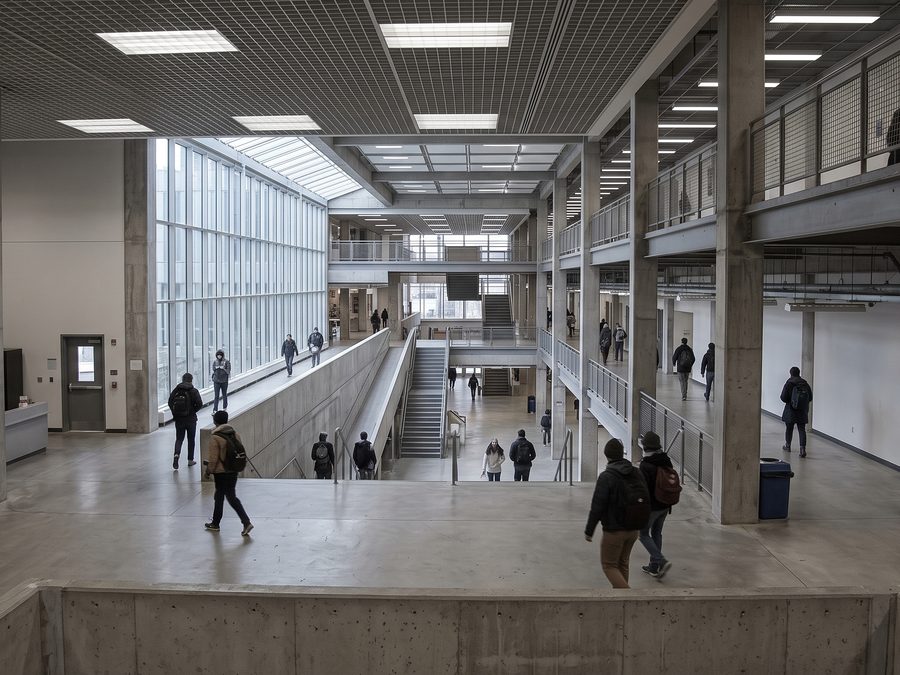
06
Open by design, crowded by timetable, and almost never screened.
07
If your site already has the cameras and the same thing keeps happening, the shape of the problem is probably one of these.
Tell us about itWho we are

Co-Founder & CEO
Background in AI engineering and infrastructure DevOps

Co-Founder & CTO
Background in cyber research engineering and AI

Advisor
Head of the AI program at the University of Haifa. Expert in computer vision
Let's talk
We would rather hear about the incident than talk about the product. Leave your details and one of us will answer.